Available for your customers 24/7

One AI employee for every customer conversation.

Choose how you power your AI employee — use your own supported AI API key for greater control, or pick a plan with AI usage credits included.
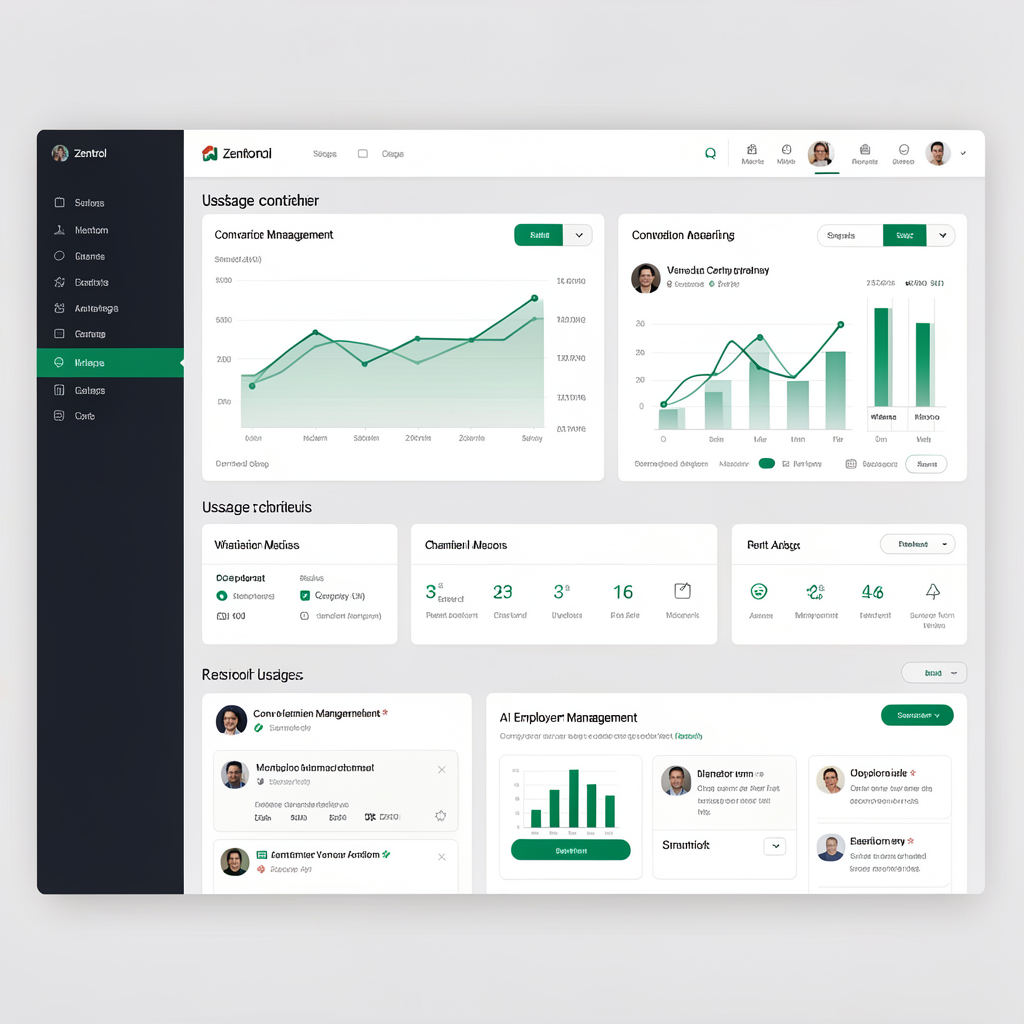
Human takeover One unified HQ
ZENTROL HQ
Zentrol HQ control centre dashboard

Built for the gaps

Customer conversations should not disappear between channels.

Scattered conversations

Messages across different channels make it difficult to maintain one clear customer view.

Delayed responses

Customers often reach out when your team is busy, unavailable or away for the day.

Missed enquiries

A slow or overlooked reply can mean a qualified lead never becomes a conversation.

Repetitive service work

Routine questions and follow-ups consume time your team could spend on higher-value work.

What Zentrol does

A capable AI employee, connected to every conversation.

Zentrol handles enquiries, customer support, lead capture, sales conversations, booking assistance and follow-ups across supported messaging channels. Your team sees and manages the activity through Zentrol HQ.

Booking enquiry

Website chat · Active now

AI responding
Hi, do you have an appointment available this week?
I can help with that. What day and time would work best for you? Share your preference and I’ll check availability and propose options, or set up a quick call to confirm—no automatic booking without your approval.
Thursday afternoon would be ideal.
Context saved in Zentrol HQ

AI employee capabilities

Useful work, handled from the first message.

Give customers a direct path to answers and action while your team keeps visibility.

Answer customer questions instantly

Respond to common sales, service and enquiry questions whenever customers choose to make contact.

Can you help me choose?
Absolutely—what are you looking for?

Qualify leads

Ask relevant questions and capture the details your team needs to continue the opportunity.

Book appointments

Help customers move from an enquiry toward a booking by collecting relevant details and using the booking method configured for the business.

Support customers

Handle routine support requests and preserve the conversation for your team when human input is needed.

Follow up

Keep customer conversations moving with timely, relevant follow-up communication.

Handle repetitive work

Reduce the manual effort involved in recurring conversation-based service tasks.

Available 24 hours a day

Keep a reliable first response available beyond your team's working hours.

Ready to respond

Built Around Your Business

Each AI employee can use approved information about the business, including its website content, services, FAQs, policies and uploaded knowledge, to give relevant answers to customers. The business controls the information its AI employee uses.

Website Content

Content from your site you approve.

Services

Your service offerings and scope.

FAQs

Frequently asked questions and answers you provide.

Policies

Business policies you publish.

Uploaded Knowledge

Knowledge you upload for AI use.

Zentrol HQ

Your control centre for the whole operation.

Zentrol HQ gives you one place to manage your AI employee, customer conversations, connected channels, usage and account.
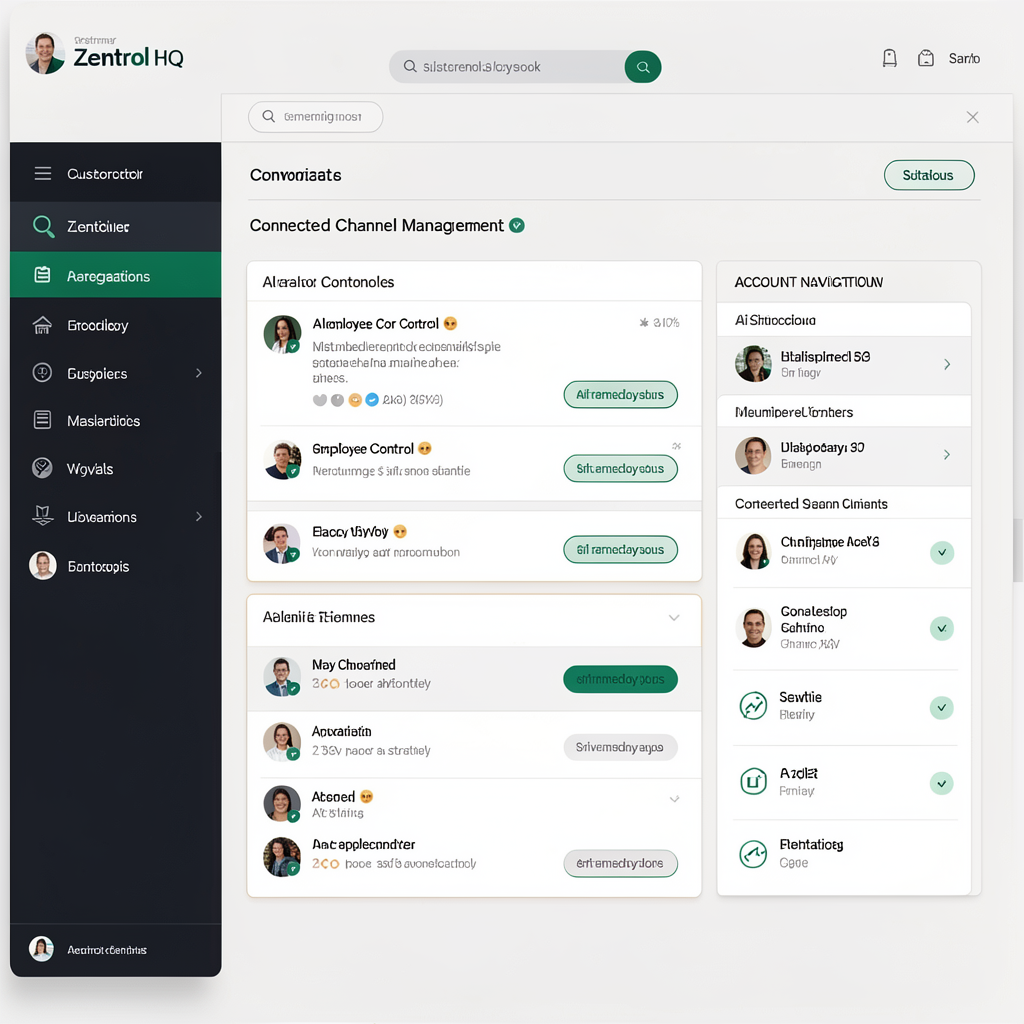
Conversations
Channels
Usage
AI employee
Account management
hq.zentrol
Detailed view of the Zentrol HQ dashboard

Connected channels

Meet customers where conversations already happen.

Bring supported messaging channels into a unified operational view in Zentrol HQ.

Website chat

Facebook

Instagram

WhatsApp

Email

SMS

One unified inbox

Managed through Zentrol HQ

How it works

From first message to the next best action.

01

A customer starts a conversation

They get in touch through a connected channel with a question, enquiry or support request.

02

The AI employee responds

Zentrol answers, captures details or completes an appropriate routine conversation task.

03

Your team keeps the context

View the interaction in Zentrol HQ and continue the conversation when human input is needed.

Business use cases

One AI employee. Different customer journeys.

Appointment booking

Help customers move from a question toward a booking.

Guide an enquiry through relevant questions, collect booking preferences, and help move the customer toward the booking method configured for your business, while keeping the resulting conversation visible to your team.
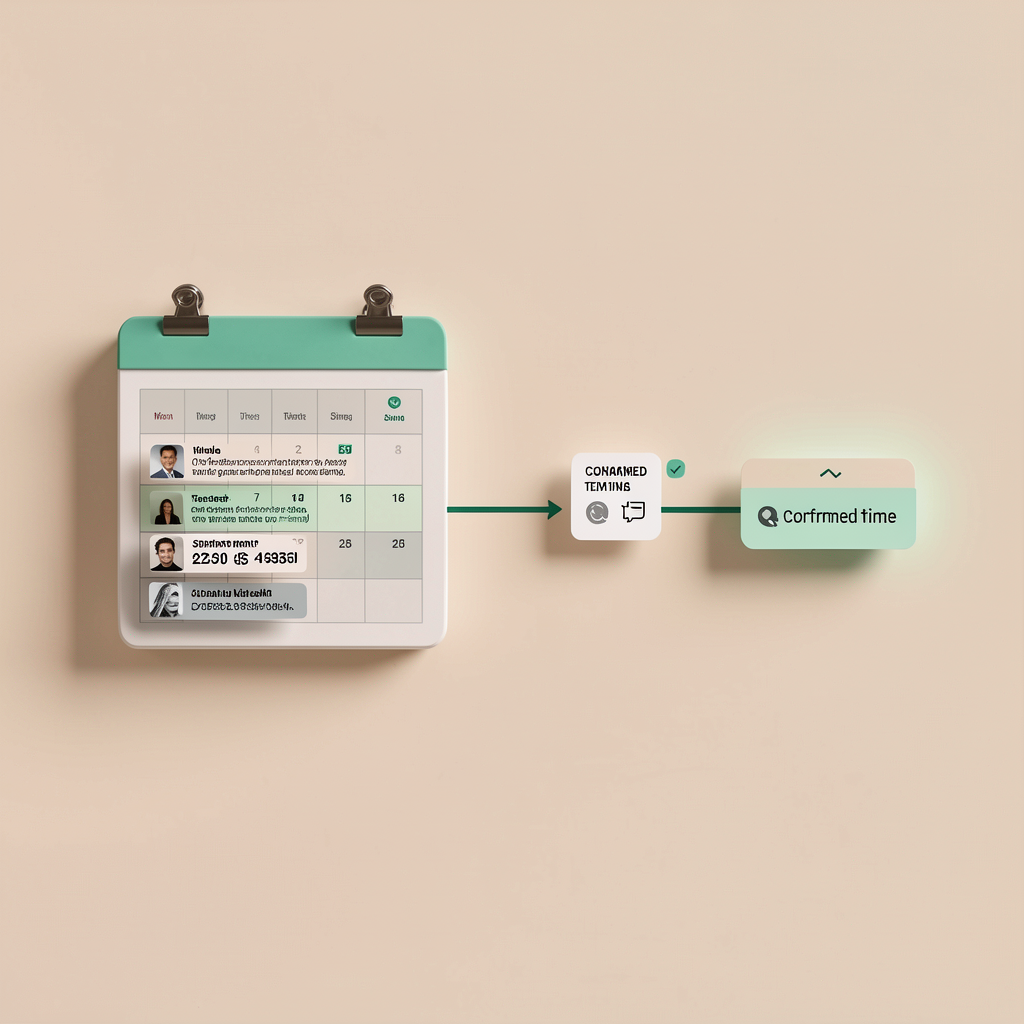
1 Preference shared 2 Next booking step provided.
AI appointment booking workflow illustration

Human takeover

AI when it helps. Human judgement when it matters.

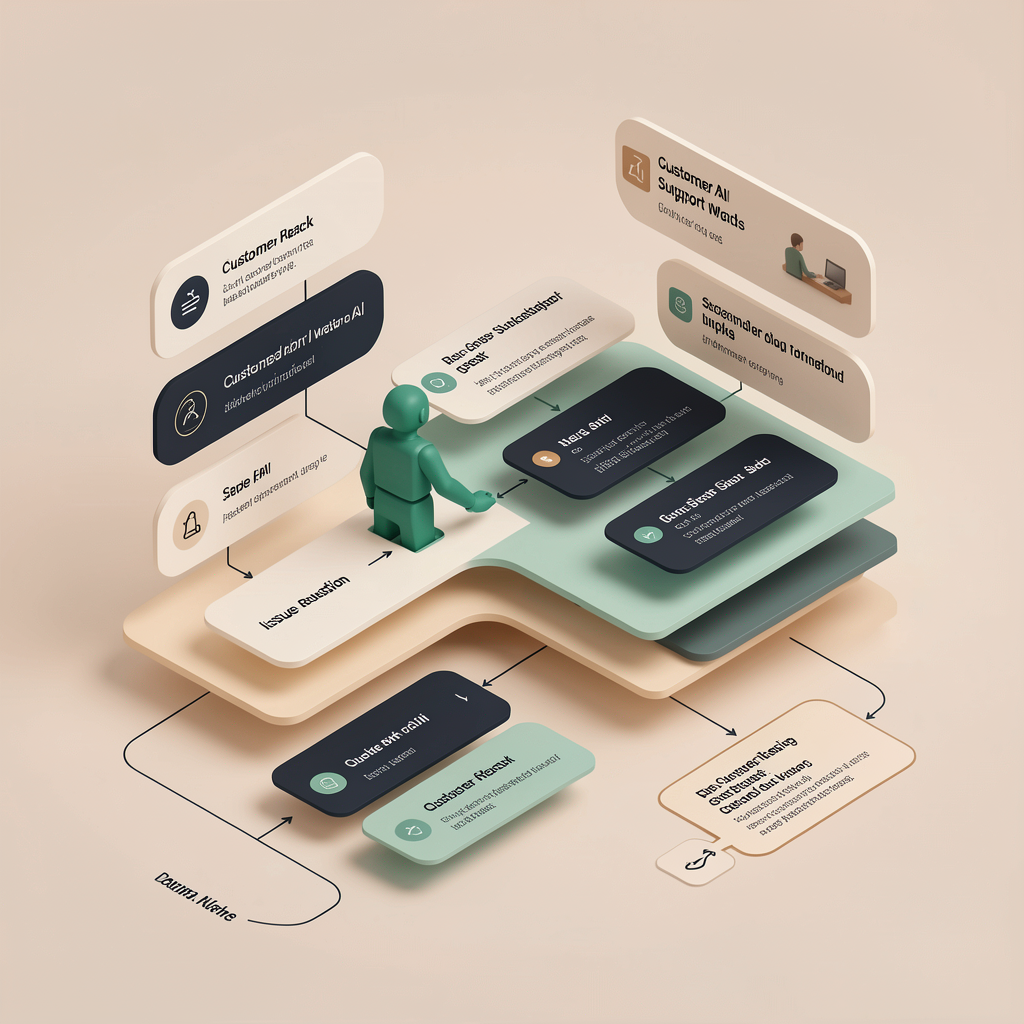
When a conversation requires empathy, a complex decision or team expertise, a person can continue with the interaction history available—so the customer does not have to start again.

Full conversation history

See what has already been discussed before replying.

Continuity for the customer

Continue from the existing context rather than restarting the exchange.

Customer conversation

Full history available

In progress
AI
I have gathered the details. This request would benefit from a member of the team.
Handed to team
Thanks—I can see the context and help you from here.

Key benefits

A more responsive way to manage customer demand.

Faster responses

Give customers an immediate first response at any hour.

Fewer missed opportunities

Capture enquiries and lead details while interest is active.

Saved team time

Reduce repetitive conversation work for your people.

Unified visibility

Manage conversations and operations through Zentrol HQ.

Flexible plans

Choose BYOK for greater control over AI usage and costs, or choose a plan with AI usage credits included.

24/7 availability

Keep customer conversations moving outside normal business hours.

TWO WAYS TO POWER YOUR AI EMPLOYEE

BYOK — Recommended

Connect your own supported AI API key and pay your AI provider directly for usage. Get greater control over how your AI usage is managed and billed.

Credits Included

Prefer a simpler setup? Choose a ZentrolHQ plan with AI usage credits included.

Getting started

Getting started in 3 simple steps

Tell us about your business

Share your business details, services, FAQs, policies, opening hours, booking information, and how you want Zentrol to handle customer conversations.

Connect the channels you want to use

Connect your website and the messaging channels included with your plan. Adding Zentrol to your website is simple and doesn't require rebuilding your site, while supported messaging channels can be connected to your Zentrol account.

Review and activate your AI employee

Review your setup and AI responses, make final adjustments, then approve Zentrol to go live with your customers.
What can a ZentrolHQ AI employee do?
It can handle customer enquiries, answer questions, capture leads, assist with sales and support, and guide customers towards the next step — 24/7.
Will it know about my business?
Yes. It can be trained on your business information, services, products, FAQs and other approved knowledge so its responses are relevant to your customers.
Can a human take over a conversation?
Yes. A human agent can take over the conversation to assist the customer.
What channels can it work on?
It can work on your website and connected messaging platforms. Available channels depend on your setup and plan.
Can it help turn enquiries into customers?
Yes. It can answer questions, qualify enquiries, capture lead details, and guide customers toward booking, buying, or taking another appropriate next step.
Do I need to know anything about AI to use ZentrolHQ?
No. ZentrolHQ is designed to make setup straightforward. If you choose a BYOK plan, you’ll need to connect a supported AI provider API key, and we’ll guide you through the setup. If you choose a Credits Included plan, you don’t need your own AI API key.
Do I need my own API key?
Only if you choose a BYOK plan. BYOK customers connect their own supported AI provider API key. If you choose a Credits Included plan, AI usage credits are included with your ZentrolHQ subscription, so you don't need your own AI API key.
What does BYOK mean?
BYOK means Bring Your Own Key. You connect your own supported AI provider API key to ZentrolHQ and pay that provider directly for your AI usage. Your ZentrolHQ subscription covers access to the platform and the features included in your plan.
Should I choose BYOK or Credits Included?
BYOK is a good choice if you want greater control over your AI provider and usage costs and are comfortable connecting your own API key. Credits Included is a simpler option if you prefer your AI usage allowance to be included with your ZentrolHQ plan. If you're unsure, Zen can help you compare the options based on your business.
What are Backup Credits?
ZentrolHQ BYOK plans include 20 Backup Credits. These are separate from the AI usage billed through your own provider and are not your normal BYOK AI usage allowance.
Do I need technical experience to set up ZentrolHQ?
No. ZentrolHQ is designed to make setup straightforward. You'll be guided through providing your business information, connecting your channels and reviewing your AI employee before it goes live.
How do I add ZentrolHQ to my website?
ZentrolHQ can be added to an existing website using a small chat snippet. You don't need to rebuild your website. During setup, we'll guide you through what needs to be added and where.
Can I connect my social and messaging accounts?
Yes. Depending on your plan, ZentrolHQ can connect with supported channels such as Instagram, Facebook Messenger, WhatsApp, email and others, allowing your AI employee to handle conversations across multiple channels.
Can ZentrolHQ connect to my other business systems?
Yes. Depending on your plan, ZentrolHQ can connect with compatible business systems through CRM and ERP integrations, webhooks, API access, custom functions and MCP servers. Available integration capabilities vary by plan.