Customer messages the studio
Hey, I’m interested in getting a piece like this on my upper arm.
ZentrolHQ handles studio enquiries, understands customer reference material, answers from your approved information and gathers the details your team needs to move serious clients toward consultation.

New tattoo enquiry
Website chat · Active now
Tattoo enquiry workflow
ZentrolHQ keeps context across the full enquiry. It can understand supported media, ask the questions your studio chooses and organise the result for your team.
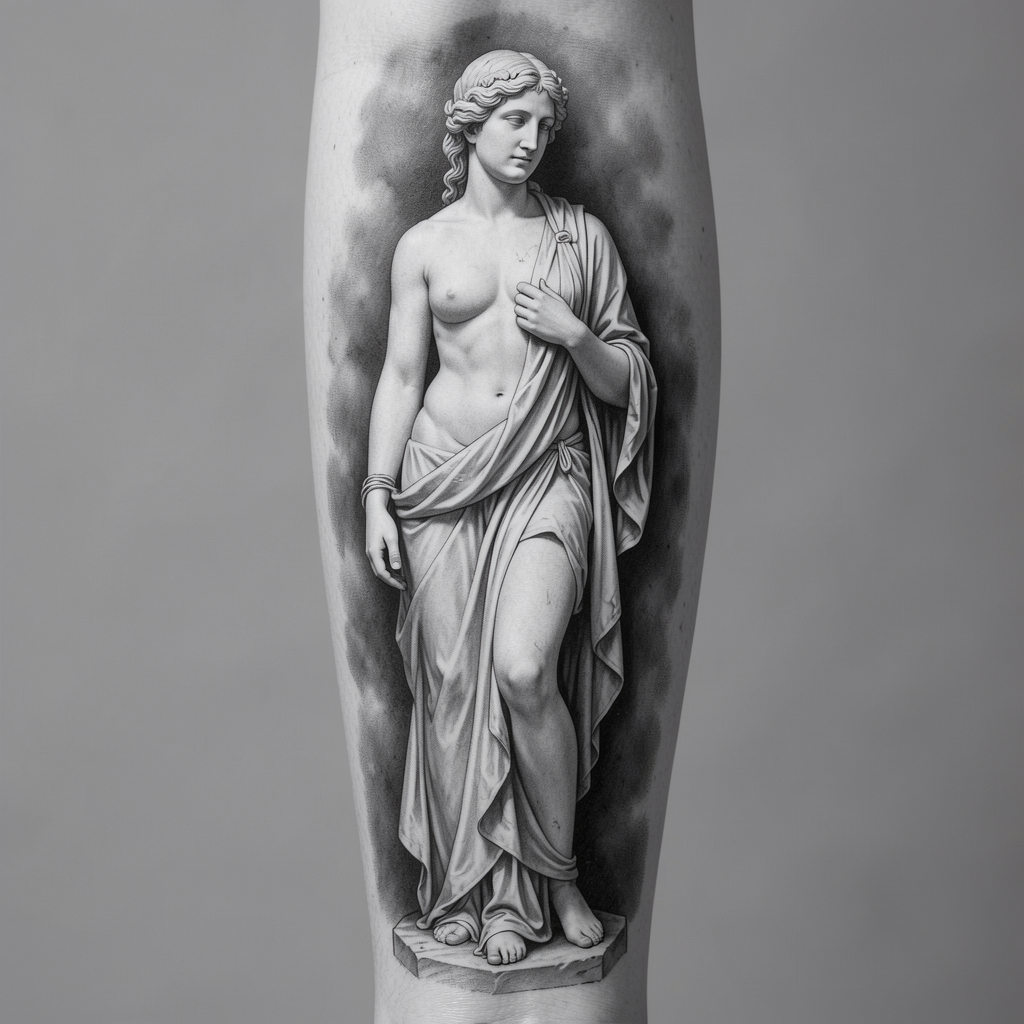
reference-01.jpg
Image attached · Context available
The image becomes context for a more relevant conversation—not an isolated attachment.
Opening hours, artist styles, consultation process, deposit information and policies stay grounded in what your team has configured.
The customer can contact staff, request a consultation or continue with a real team member—with context intact.
A better brief before your team steps in
Before
Unqualified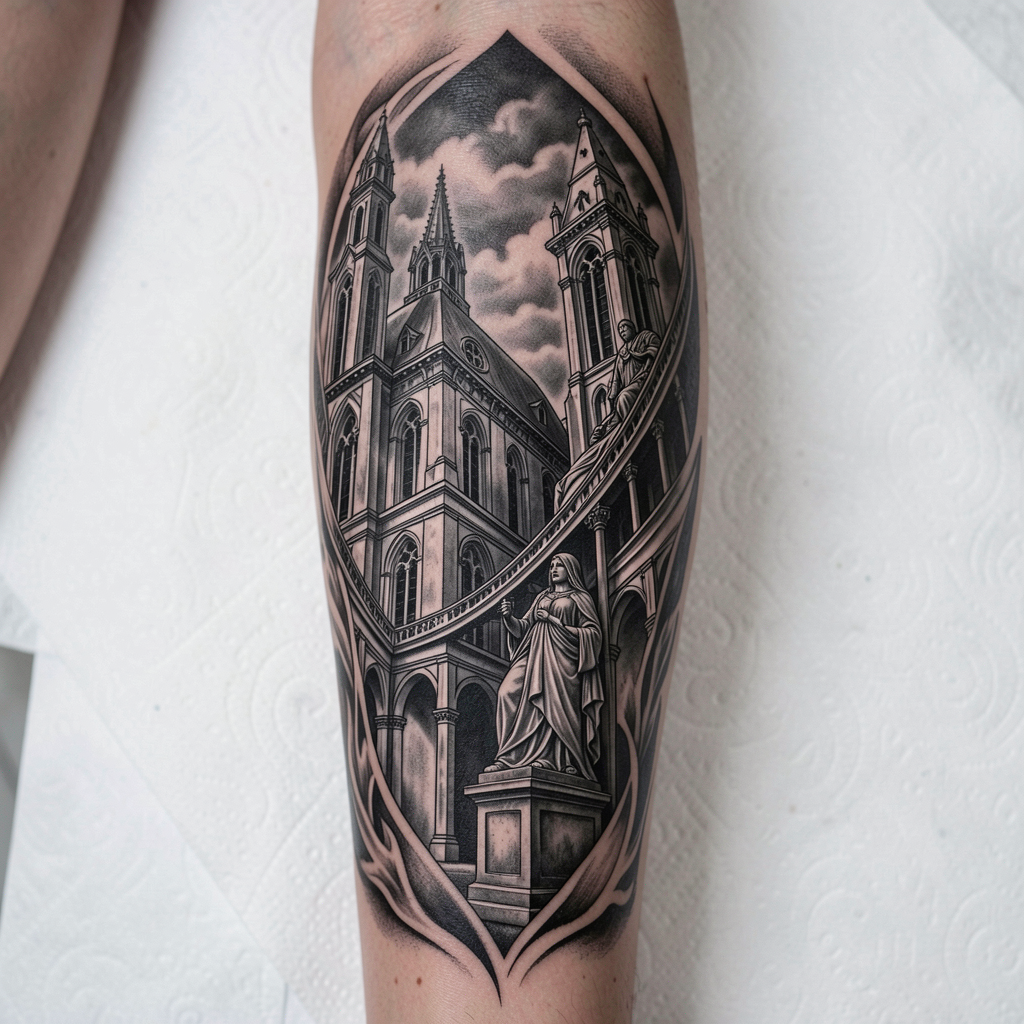
One reference image
No placement, size, contact details or consultation intent.
After ZentrolHQ
Ready for reviewStructured context for your team—not an automated final quote or suitability decision.
Multimodal enquiries
Customers can include supported images, voice notes and documents. ZentrolHQ uses that material as context, helping the conversation become more specific without overstepping into artistic, medical or safety decisions.
Images
Reference context
Voice notes
Supported transcription
Documents
Useful file context
Tattoo enquiry
Reference-led conversation
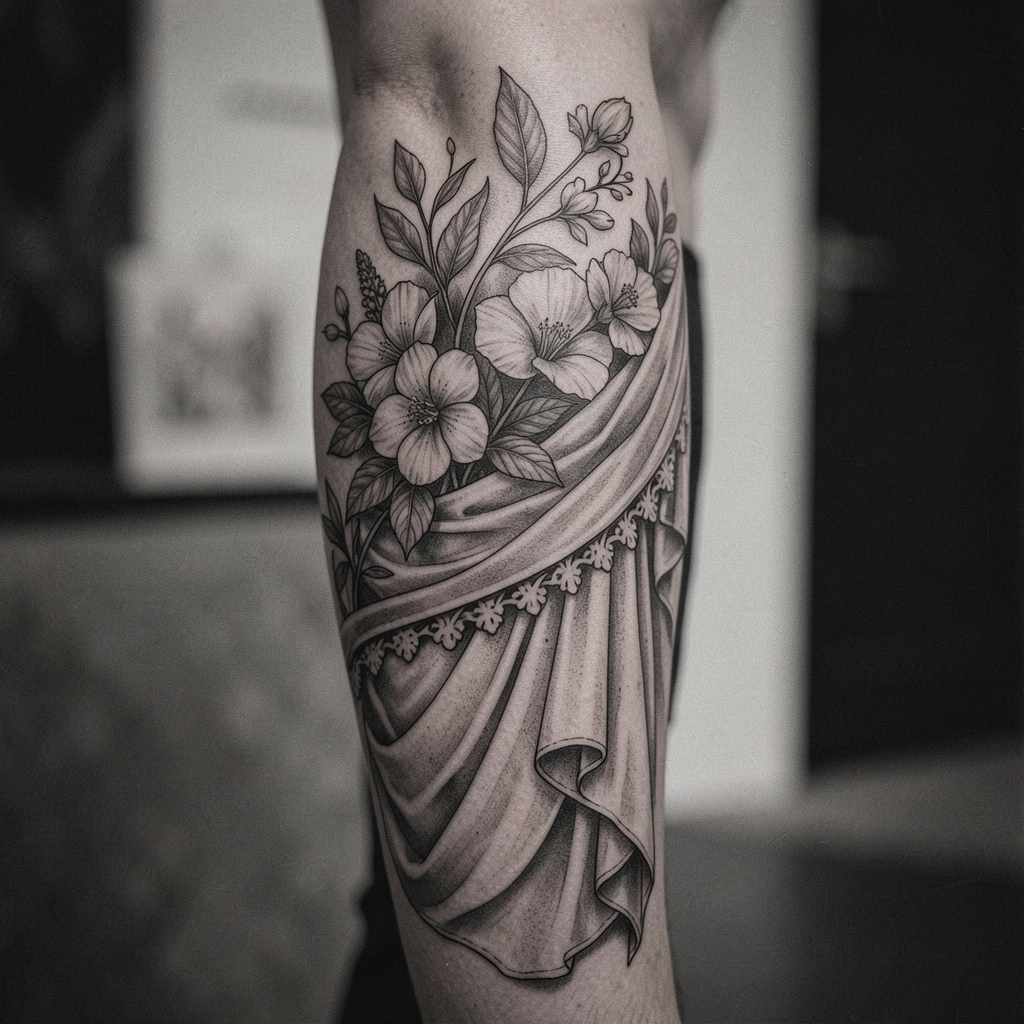
inspiration.jpg
Image understood in context
Approved media library
Your team controls what is available and how it supports conversations.
One coordinated studio system
Build dedicated conversation roles without creating disconnected bots. Each agent can serve a clear purpose while sharing your controlled knowledge.
Agent 01
Handles common questions, hours, directions, policies and general studio enquiries.
Agent 02
Collects configured enquiry details and helps customers move toward the appropriate next step.
Agent 03
Guides visitors through approved artist portfolios, style information and availability processes.
Approved knowledge · media · conversations · team control
Connected channels
Connect supported customer channels according to your plan. Higher tiers provide greater channel capacity.
Website Chat
On-site enquiries
Supported messaging
Messenger
Facebook conversations
Supported connection
Team Inbox
Shared context and handoff
Channel availability is subject to supported integrations. Third-party messaging or provider fees may apply.
Website chat experience
Visitors can ask questions, share references and take useful actions without hunting through menus or waiting for an artist to finish a session.
Private studio · Melbourne
Studio Concierge
Available
STUDIO / CHAT
Designed to keep working on mobile.
Quick actions, media sharing and guided questions remain easy to use when clients enquire from their phone.
Business knowledge
Configure ZentrolHQ around the information your studio has approved. Update your knowledge as policies, artists or processes change, while keeping control in your team’s hands.
Studio Knowledge
Approved & controlled
Enquiry #1842
Website chat · Black & grey enquiry
Human handoff and control
ZentrolHQ removes repetitive admin without removing your team. Hand over conversations with context intact and keep artistic judgement, important customer conversations and professional decisions with the studio.
Pause AI
Take direct control when needed.
Manage as a team
Keep staff aligned in one inbox.
Approve knowledge
Control information and media.
Keep professional judgement
No automated artistic or medical decisions.
Transparent BYOK model
Bring Your Own Key means connecting your own supported Anthropic API key. Your usage relationship stays directly with your AI provider rather than being bundled into opaque platform credits.
ZentrolHQ subscription
Agents, channel capacity, team seats, website chat, knowledge, media, qualification, handoff and supported integrations according to your selected tier.
AI provider usage
Usage varies with conversation volume and complexity. ZentrolHQ does not add an AI usage markup, and AI usage is not included in the subscription.
Five-step setup
Start with the essentials, review the experience carefully and expand as your team is ready.
Select the scale that matches your studio.
Add your supported Anthropic API key.
Artists, FAQs, processes and approved media.
Choose supported customer touchpoints.
Review behaviour before opening conversations.
Pricing in AUD
Upgrade for more agents, channels, seats, context and conversation capacity—not to unlock the features that make ZentrolHQ useful.
Studio
For independent artists and smaller studios that want a complete enquiry system.
Get StudioCapacity
Core capabilities included
Studio Pro
For growing, multi-artist studios with more staff, enquiries and distinct workflows.
Get Studio ProEverything in Studio, with more scale
Collective
For large studios, multi-location operations and teams with complex requirements.
Get CollectiveEverything in Studio Pro, with maximum scale
Unlimited responses per conversation does not mean unlimited AI usage. Connected provider usage remains separate.
All prices are in AUD. AI provider usage is billed separately through your connected supported provider. Third-party messaging or channel fees may apply.
Trust and operating principles
Configure and maintain the knowledge your system uses.
Control which materials can support customer conversations.
Move conversations to real team members with context intact.
Give authorised staff a shared view of customer conversations.
Step in whenever a conversation needs direct human attention.
Artistic, suitability and medical decisions remain with qualified people.
Transparent BYOK billing
Platform subscription and external provider usage remain clearly separated.
Frequently asked questions
BYOK means Bring Your Own Key. You connect a supported Anthropic API key to ZentrolHQ, allowing the platform to use your own provider account for AI processing.
It keeps provider usage transparent and billed directly through your connected account. ZentrolHQ does not add an AI usage markup or hide usage inside platform credits.
Usage costs vary based on conversation volume, context and media processing. Charges are set and billed by your connected AI provider, so refer to that provider’s current pricing rather than a fixed estimate from ZentrolHQ.
Yes. Supported images can be used as context in a customer conversation. ZentrolHQ can help gather useful brief details, but it does not make final pricing, suitability, artistic or medical decisions.
Yes. You can configure studio-approved knowledge covering artists, styles, hours, location, policies, deposits, preparation, approved aftercare information, FAQs, services and booking processes.
Yes. Multiple specialised agents can support different artists, styles, studio functions, locations or workflows, subject to the agent capacity of your plan.
Absolutely. Conversations can be handed to team members, and AI can be paused when direct human attention is more appropriate.
Supported options can include website chat, Instagram, Facebook Messenger and WhatsApp. Availability depends on current supported integrations and your plan’s channel capacity.
Not necessarily. External messaging platforms or channel providers may apply their own charges. Those fees are separate from the ZentrolHQ subscription.
It covers access to the platform and the capabilities and limits of your selected plan, including agents, channels, team seats, context, website chat, knowledge, approved media and conversation management. AI provider usage remains separate.
Choose a plan, connect your supported AI account, add studio knowledge and approved media, connect selected channels, then configure and test the experience before going live.
Keep the conversation moving
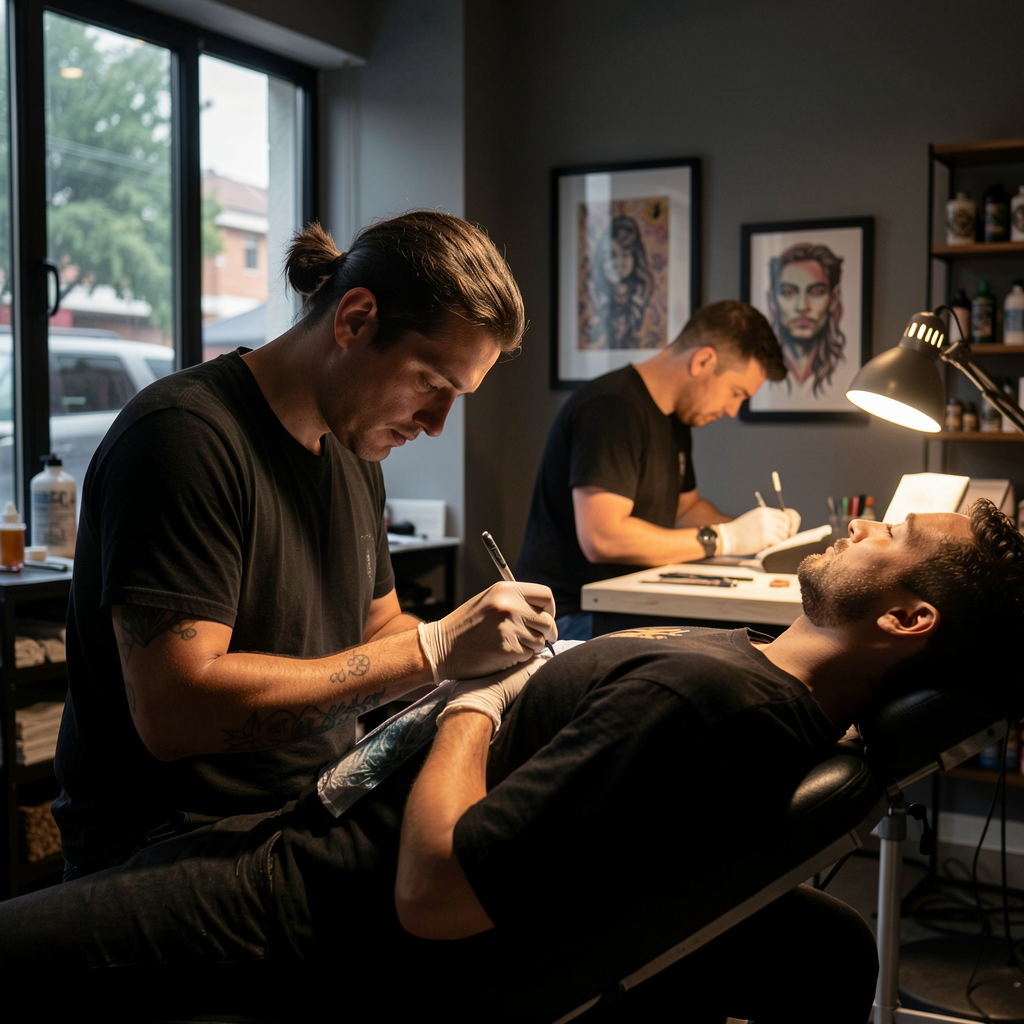
ZentrolHQ helps answer, qualify and organise enquiries while your artists stay focused on the work in front of them.
Get ZentrolHQ